
Write an article that lets someone finish a task or understand a question more clearly. Search optimization can help that answer be discovered and understood, but cannot guarantee that it outranks other pages.
The process below starts with a brief and ends with a way to review the page after publication. Use it as a working checklist rather than a word-count or keyword-density formula.
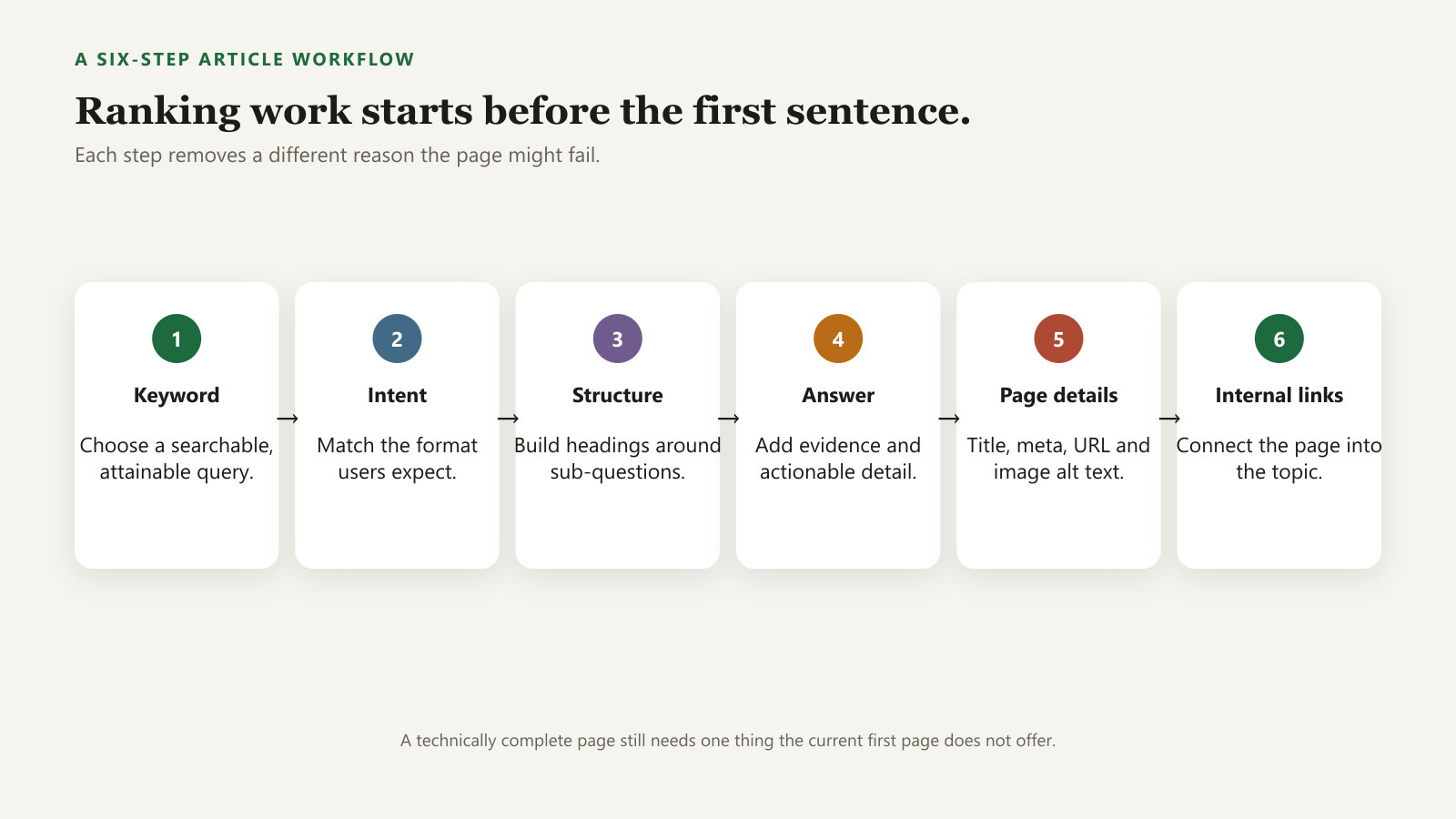
1. Write a brief before the article
Record the intended reader, the task, the scope and the evidence you can provide. Use the keyword research method to review demand and search intent; do not assume a long phrase is automatically easy.
Illustrative brief: “For a first-time site owner, explain the difference between URL Inspection's indexed result and live test. Include where to look, what each result means, and what the test cannot prove.” That gives the article a concrete job without claiming a measured search opportunity.
A useful article brief
- Reader and taskWho needs this, and what will they be able to do?
- EvidenceWhich primary sources, tested steps or clearly labeled examples support it?
- ScopeWhat belongs here, and which related task deserves a link?
2. Review the results without copying their outline
Note whether the query calls for a walkthrough, comparison, explanation or discussion. Read current results to understand expectations, then build your own answer around the task.
Similarity to existing headings is not a substitute for useful content. A clearer explanation or an original tool may serve the task better than a longer version of every competing article. State a specific contribution before drafting.
3. Put the answer and the steps in a usable order
Start with a direct answer and any condition that changes it. Use a descriptive main heading, then section headings that explain what follows. For a task, give prerequisites, steps, expected results and what to do when the result differs.
Keep important explanations in text. An illustration should support the answer, and its caption should explain whether it is a diagram, example or actual screenshot. Do not rely on small text inside an image as the only explanation.
4. Support claims and label examples
Link an explanation of Google's behavior to the relevant official documentation. Keep observations distinct from assumptions. If you use a client result, have permission and record the period, measurement and limits of the comparison.
Never add an invented experiment simply to make the article look experienced. A hypothetical example can be helpful when it is clearly labeled. Google's helpful content guidance offers questions about originality, accuracy and clear sourcing; it does not prescribe an article length.
AI can assist with outlining or editing, but references and claimed experiences still need checking. Explain substantial use where a reader would reasonably want to know how the material was produced.
5. Check the page details
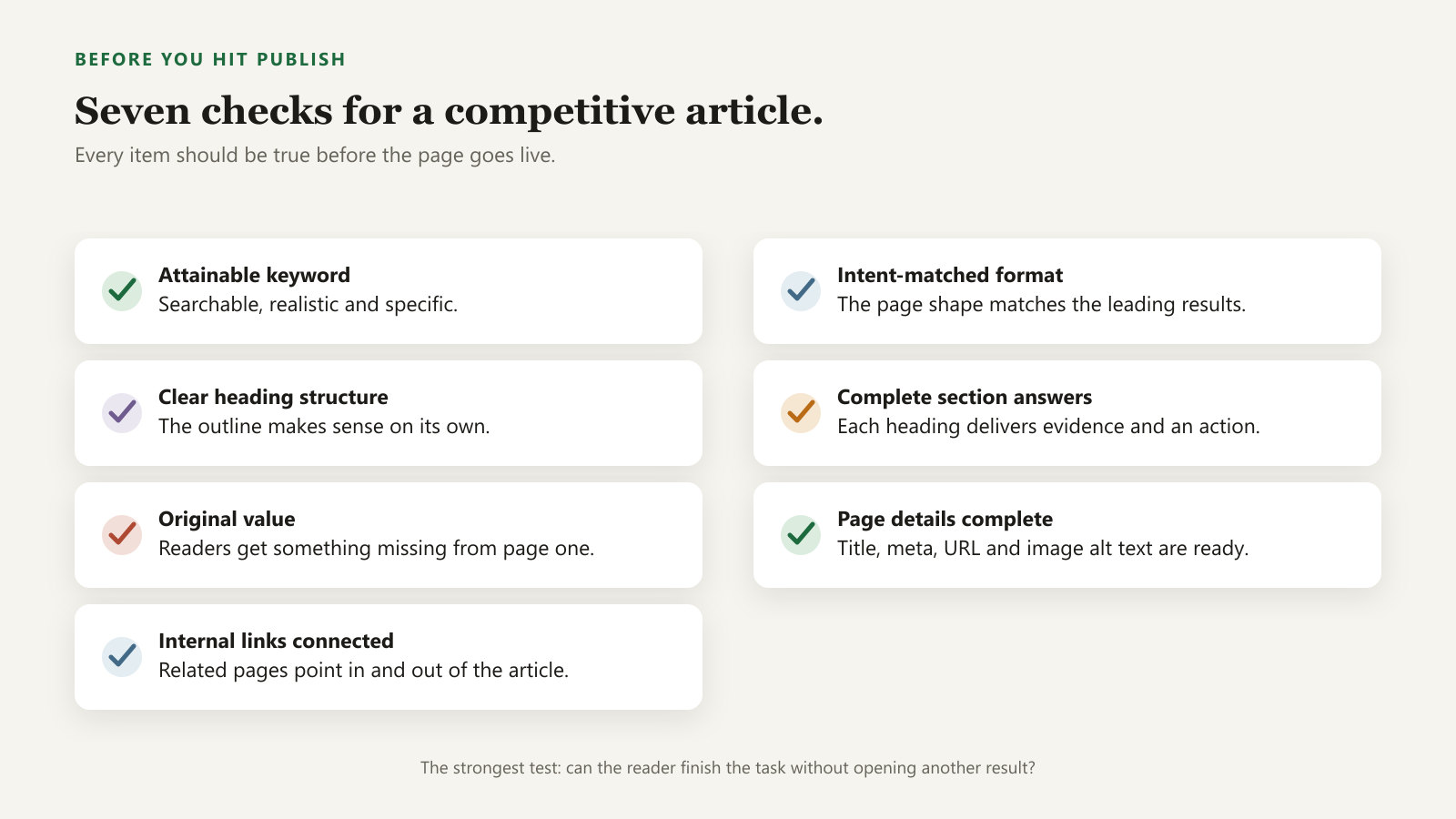
- Use a title that accurately describes the answer. Include relevant wording naturally.
- Write a useful description without promising a result the page cannot deliver.
- Keep the URL descriptive and avoid changing an existing URL casually.
- Give informative images appropriate alt text, dimensions and readable supporting text.
- Make the author and substantive update date clear.
Repeated keywords do not make up for missing information. Review the page on a narrow screen, including tables, images and navigation.
6. Connect the page with useful internal links
Choose at least one relevant existing page where this article is a natural next step. Add a descriptive link in context, and link the new article back to useful background. This is a practical editing step, not a required Google link count.
Illustrative placement: after a paragraph about a page being excluded, link “inspect the exact URL in Search Console” to the indexing walkthrough. After the walkthrough, link to the ranking diagnostic for readers whose page is already indexed.
Use ordinary links with an href. Avoid generic “click here” text where a descriptive phrase fits. Consult Google's link best practices.
Review the page after publication
Confirm that the page is accessible, check its indexing status when appropriate, and record reader questions or relevant query data. Fix errors promptly and update the content when there is a substantive reason.
Use the change log to record revisions. Do not change the displayed date just to make an unchanged page appear fresh. An accurate, maintainable answer is more useful than a page repeatedly expanded without a clear need.